
Once a job is approved, you can deploy it to one or more Salesforce orgs in a single action.
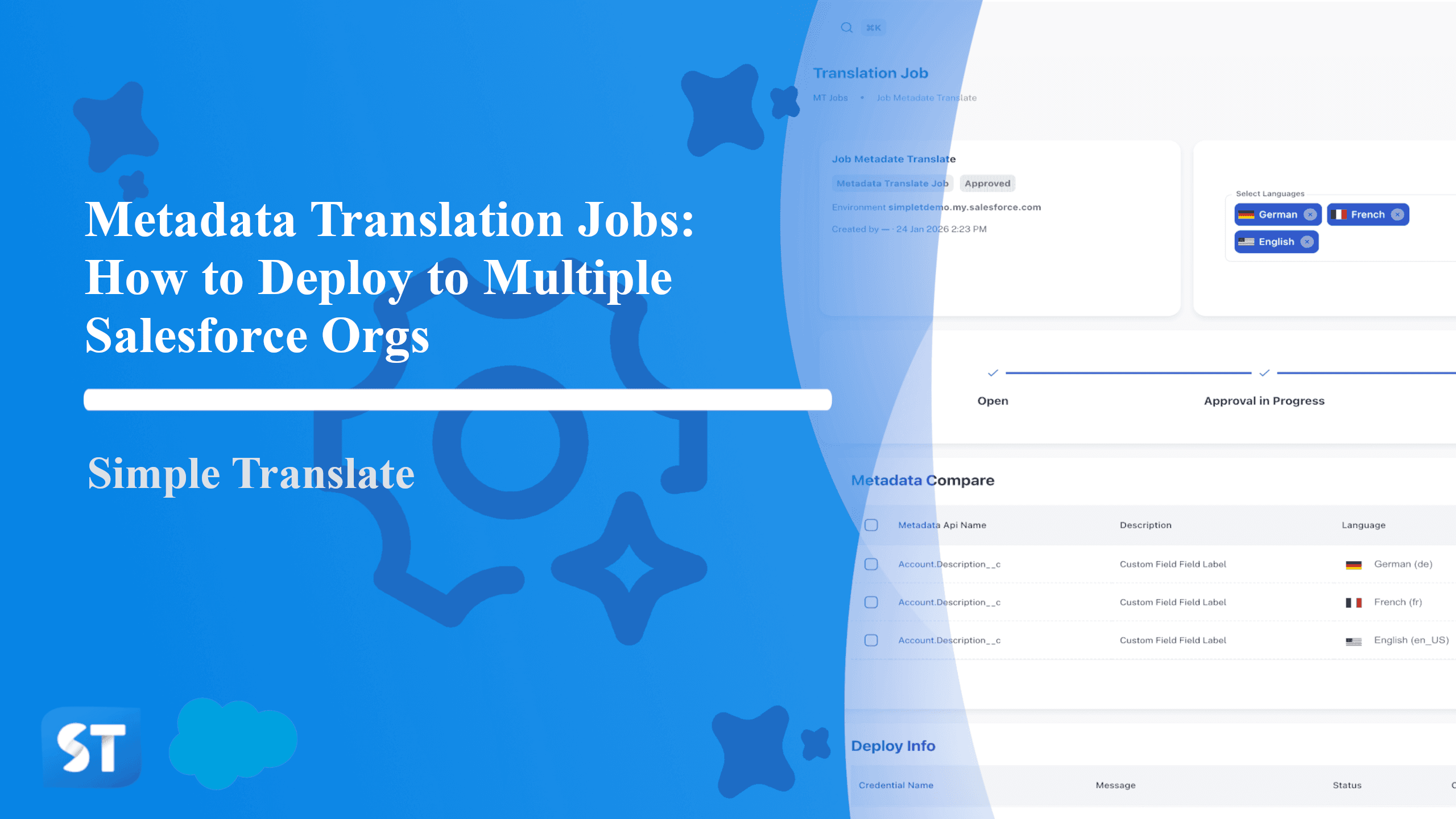
Deploying a Job
Open the Metadata Translator Jobs section in the navigation bar.
Select the job you want to deploy.
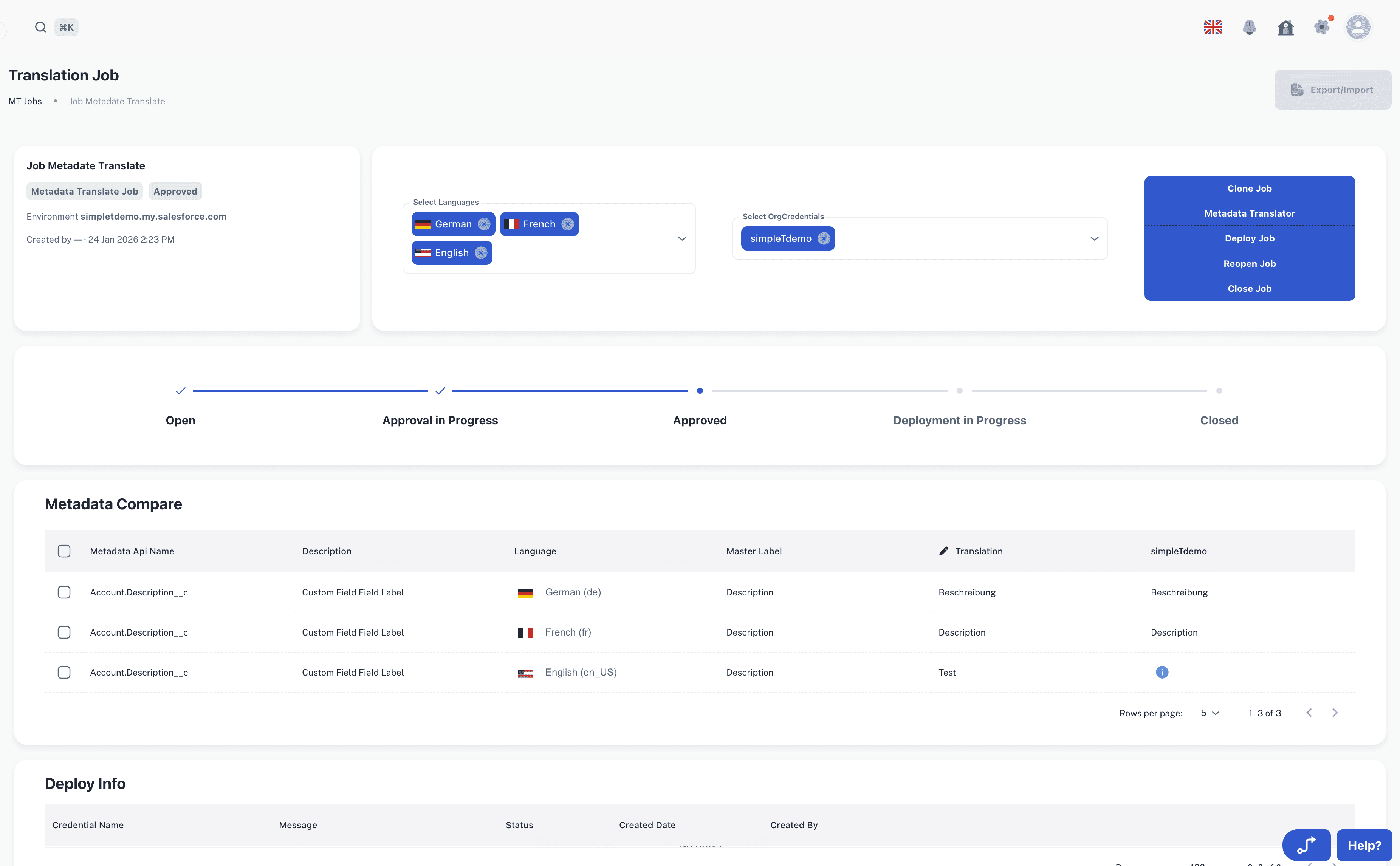
Click Deploy Job.
Choose one or more organizations to deploy to.
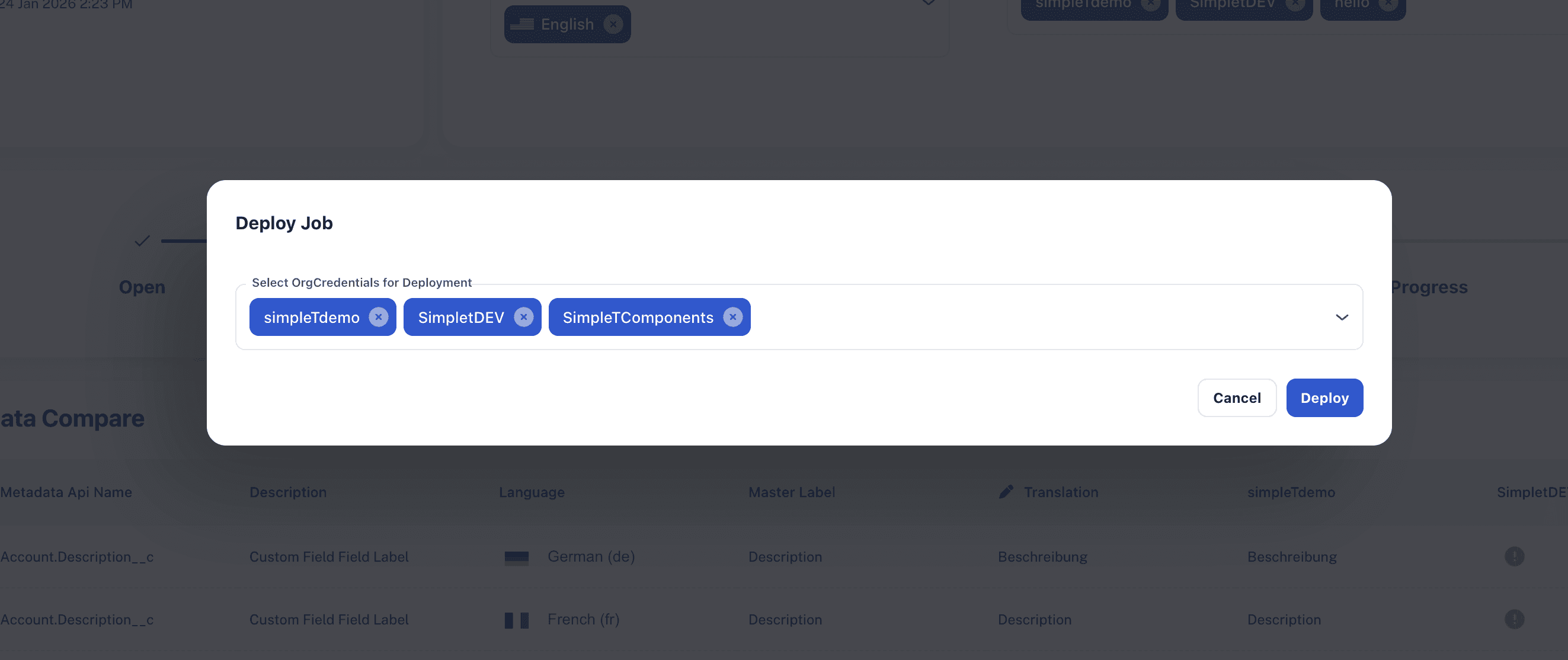
Each org tracks its own deployment status independently.
Deployment Permissions
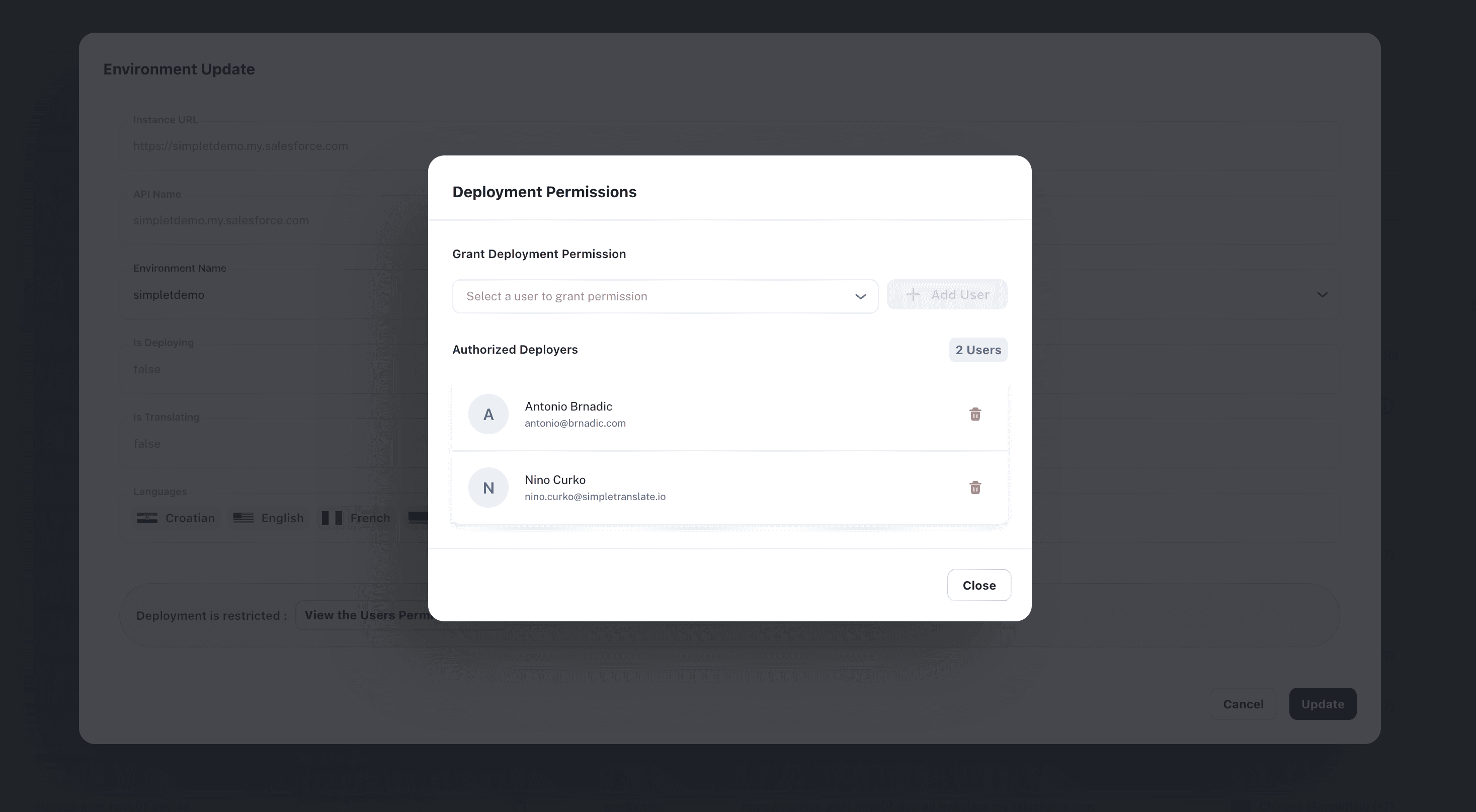
For environments marked as restricted, a deployer whitelist controls who can push to that org. Only admins and owners can manage these permissions. Regular users can view but cannot make changes.
To manage deployment permissions:
Navigate to Organization Credentials.
Find the environment marked with a Restricted button.
Click Restricted or View the Users Permission Here to open the permissions dialog.
Add or remove users from the authorized deployers list.
For technical implementation details and configuration options, visit our SimpleT Documentation.
Published:
Back to the Articles List


